Boardgame Meetup
PL EN
Mobile app for board game communities

Boardgame Meetup - easier meetup organization

Have you organized a board game meetup, but participants still cannot decide what to play until the very end?

I have often seen a similar issue in local board game clubs: the biggest challenge was not "when and where we play", but rather "who is coming" and "what are we playing". Dozens of game proposals, lots of interested players for specific titles, and in the end we still picked games randomly. We tried to manage this chaos with spreadsheets and chat threads, but those solutions were far from ideal, especially for people using smartphones.

Boardgame Meetup was built from a very practical need: recurring board game meetups involve repetitive organizational decisions that are hard to manage through loose messages and manually maintained sheets.

In this app you can handle the whole process: from creating the meetup and collecting signups, through game selection and voting, to table assignment and seat confirmations. The result is simple: less organizational chaos and more time for actual gaming.

The solution is designed mobile-first (Android and iOS), because this gives the easiest access to all information from anywhere.
Key features

Features are not a random set of screens. Each module supports a specific meetup preparation stage and reduces manual organizer work.

Event creation

Title, description, location, start/end time, and visibility are available in one meetup creation form.

Public and private meetups

Events can be public (visible to everyone) or private, available only to invited people.

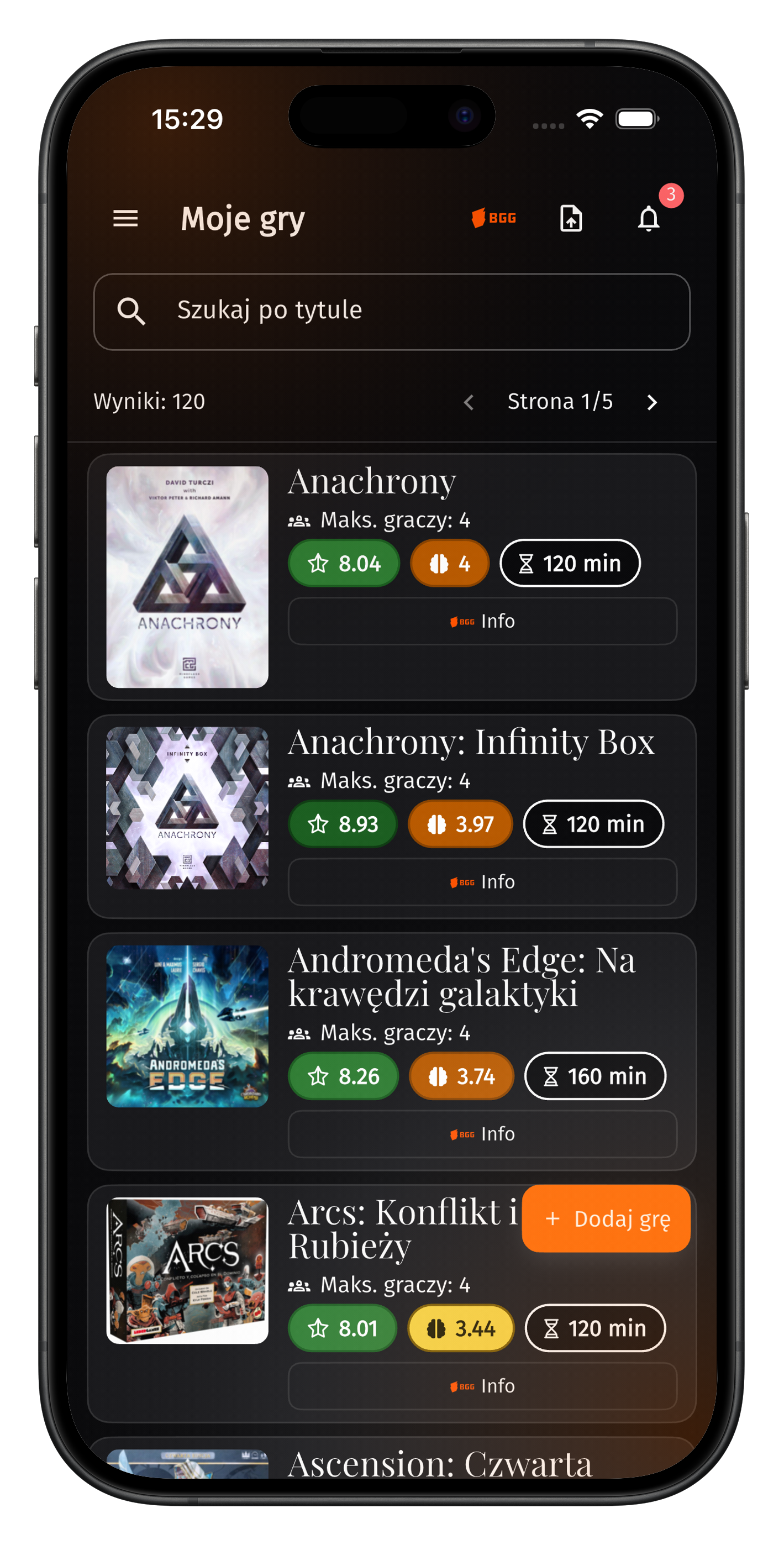
"My Games" library integrated with BGG

Add games once and reuse them many times. This speeds up game selection and eliminates repetitive input of the same titles.

BGG import and integration

BGG data import is available, and integration with this system allows showing additional information about titles discussed for the meetup.

Game selection and voting

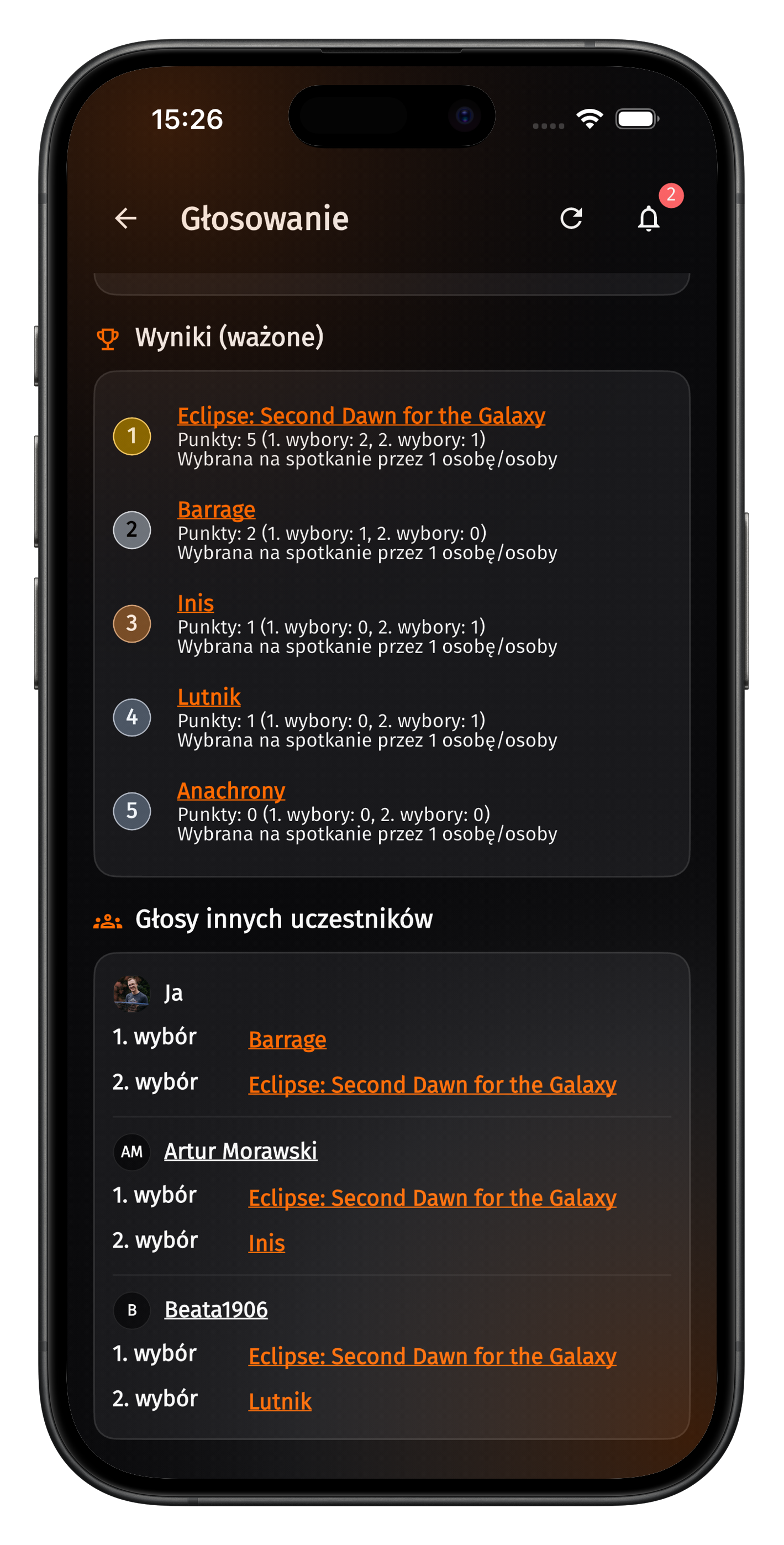
Participants propose games, then cast two votes for titles they actually want to play during the meetup.

Tables

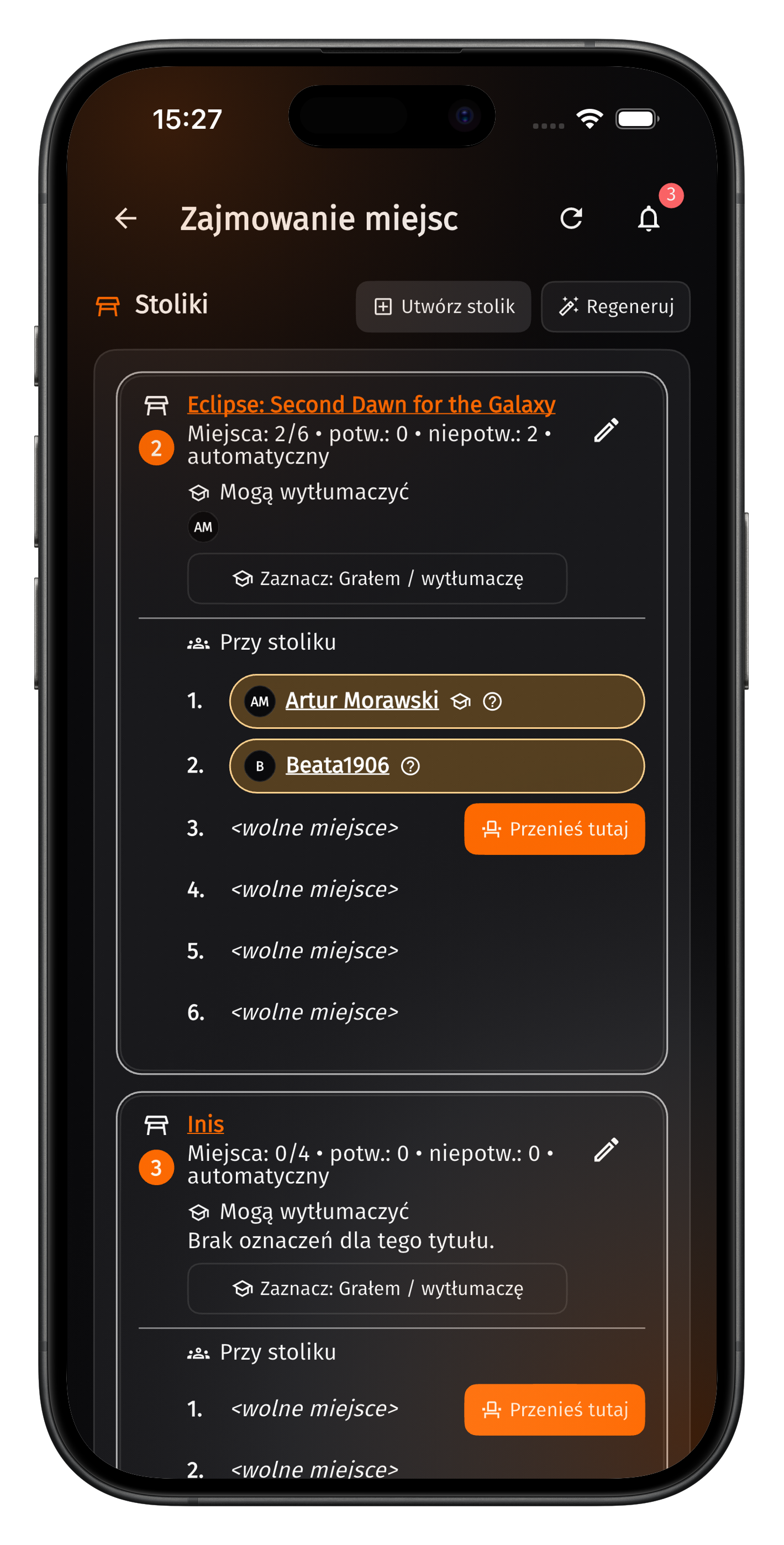
The app supports automatic table assignment based on submitted votes.

Companions

Want to bring a companion? No problem - you can add that person directly to any table from within the app.

Reminders

Do you have forgetful people in your group? As an organizer, you can send reminders about unfinished actions.

Accounts and access modes

To actively participate in meetups, a user account is required. Google and Apple ID sign-in are currently available.

  • an account allows joining meetups and participating in meetup phases,
  • after account creation, you set a display name visible in the app,
  • email address is not visible to other users.

Security and data

The system is designed to store only data required for meetup functionality. Detailed rules are described in the privacy policy, and the account deletion procedure is publicly available.

  • transparent description of data and retention,
  • dedicated account deletion procedure,
  • contact form for questions and requests.

Four meetup phases

The meetup creator decides when to move to the next phase. Thanks to this, the process can be kept organized without forgetting anything.

1

New (signups)

Participants (and their companions) join the meetup and confirm attendance intent.

2

Game selection

Everyone selects games they can bring from their own library (max. 5).

3

Voting

Each person casts two votes (1st and 2nd choice), and game ranking is visible live.

4

Seat selection

Tables are created, assignments are made, and seats are confirmed.

How table assignment works

After voting ends, the app creates tables for top-ranked games to fit voters and possible additional attendees (buffer). Participants are assigned automatically based on their choices.

  • first-choice vote is applied first,
  • if there are no seats, second choice is applied,
  • participants can still move manually if free seats exist,
  • new tables can also be created from games in a personal collection or organizer-shared games.

Seat confirmations and communication

Choosing a table is not everything - seat confirmation is critical. On meetup day, unconfirmed seats can be taken by other people interested in a given game, so undecided users do not block seats for willing players.

  • support for companions (for example "Me +1"),
  • ability to reserve a seat for a companion,
  • the organizer can send seat confirmation reminders.

App screenshots

Game proposals and casting votes
Seat assignment and confirmations
Game library
Game library

Contact and documents

Below you will find links to the contact form, privacy policy, and the account deletion procedure in the app.